
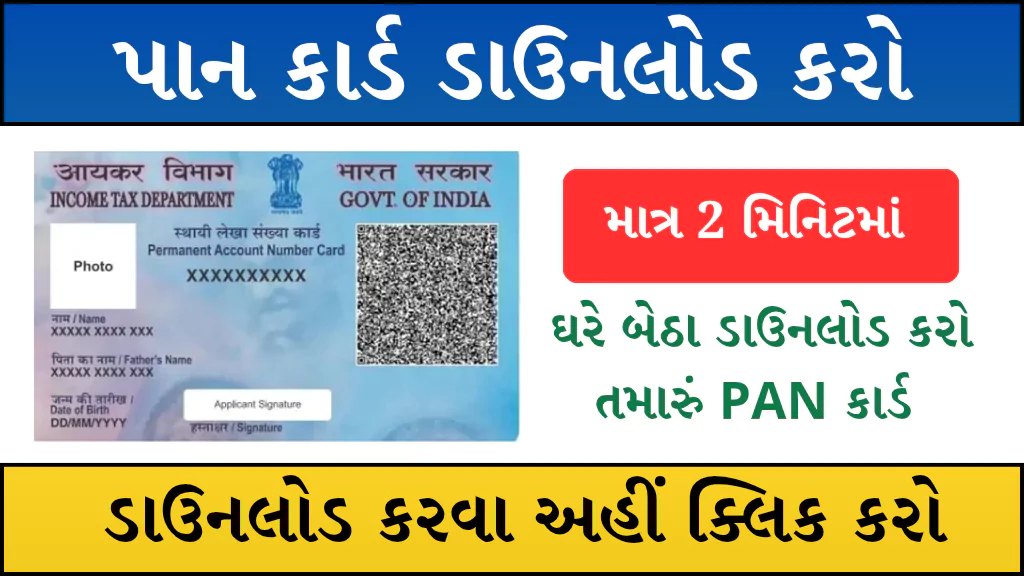
In India, a PAN (Permanent Account Number) is one of the most essential identity and financial documents. It is required for banking, income tax filing, KYC, and many government as well as private sector processes. If your PAN card is lost, damaged, or you simply need a duplicate copy, you can now easily download your e-PAN online from the comfort of your home.
The Government of India allows PAN holders to download their PAN card through two official portals: NSDL and UTIITSL. In this article, we will explain the complete step-by-step process to download your PAN Card online.
Highlights of PAN Card Download Online
| Details | Information |
|---|---|
| Article Name | Download Your PAN Card Online – Step-by-Step Process |
| Can PAN Card be downloaded online? | Yes, via e-PAN PDF or reprint |
| Official Portals | NSDL & UTIITSL |
| NSDL Website | https://www.onlineservices.nsdl.com/ |
| UTIITSL Website | https://www.pan.utiitsl.com/ |
| Required Information | PAN Number / Acknowledgement Number, DOB, Registered Mobile/Email |
| Fee | Nominal fee (as per portal) |
| Delivery | e-PAN (PDF via Email/Download), Reprint via Post (if applied) |
Note: The e-PAN PDF is usually password-protected. The password is your Date of Birth in DDMMYYYY format.
What Do You Need Before Downloading PAN Online?
- PAN Number or Acknowledgement Number
- Date of Birth (DOB)
- Registered Mobile Number/Email for OTP verification
- UPI / Debit Card / Credit Card / Net Banking for payment (if required)
How to Download PAN Card Online via NSDL (Step-by-Step Guide)
- Open your browser and search for “NSDL e-PAN download” or directly visit the NSDL portal.
- Select Reprint PAN Card / Download e-PAN service.
- Enter your PAN or Acknowledgement Number and DOB.
- Fill in the captcha and click Submit.
- Enter the OTP sent to your registered mobile/email and click Validate.
- Select Continue with Paid e-PAN Download Facility.
- Complete the payment through any available method.
- Download the Receipt (Generate & Print Receipt) after payment.
- You will get the option to Download e-PAN immediately or receive it via your registered Email ID.
- Open the PDF with your DOB (DDMMYYYY) as the password and save/print it.
How to Download PAN Card Online via UTIITSL (Step-by-Step Guide)
- Search “UTIITSL e-PAN download” on Google or visit the UTIITSL official portal.
- Click on Download e-PAN / Reprint PAN option.
- Enter your PAN or Acknowledgement Number, DOB, and other details.
- Click on Get OTP and verify the OTP sent to your registered number/email.
- Make the required payment for e-PAN download/reprint.
- After successful payment, you will receive the e-PAN PDF on your email.
- Use your DOB (DDMMYYYY) as the password to open the file and download/print your PAN card.
Useful Tips for PAN Download
- Ensure your mobile/email is updated in PAN records; otherwise, OTP verification will fail.
- If details don’t match, you may first need to apply for PAN Correction.
- For Reprint requests, check your postal address before applying.
- If PAN is not linked to Aadhaar, link it first as it may be mandatory.
- Avoid using public cyber cafes for sensitive document downloads.
Important Links
| PAN Card Download Through NSDL | Click Here |
| PAN Card Download Through UTIITSL | Click Here |
| Official Website | Click Here |
| Home page | Click Here |
FAQs
Q1. Is e-PAN valid like a physical PAN?
Yes, e-PAN is a digitally signed document issued by the Income Tax Department. It is legally valid for all purposes.
Q2. Is there a fee for downloading PAN online?
Yes, a small fee may apply depending on the portal and type of service (e-PAN or reprint).
Q3. What if I don’t remember my PAN Number?
You can use your Acknowledgement Number (received during PAN application) to download your e-PAN.
Q4. What if my registered mobile/email is changed?
You must first update your PAN details through NSDL or UTIITSL correction services.
Conclusion
Downloading your PAN Card Online is now quick and hassle-free. Whether you choose NSDL or UTIITSL, you can easily get your e-PAN PDF instantly on your email after verification and payment. This ensures that you never face issues in case of a lost or damaged PAN card.