
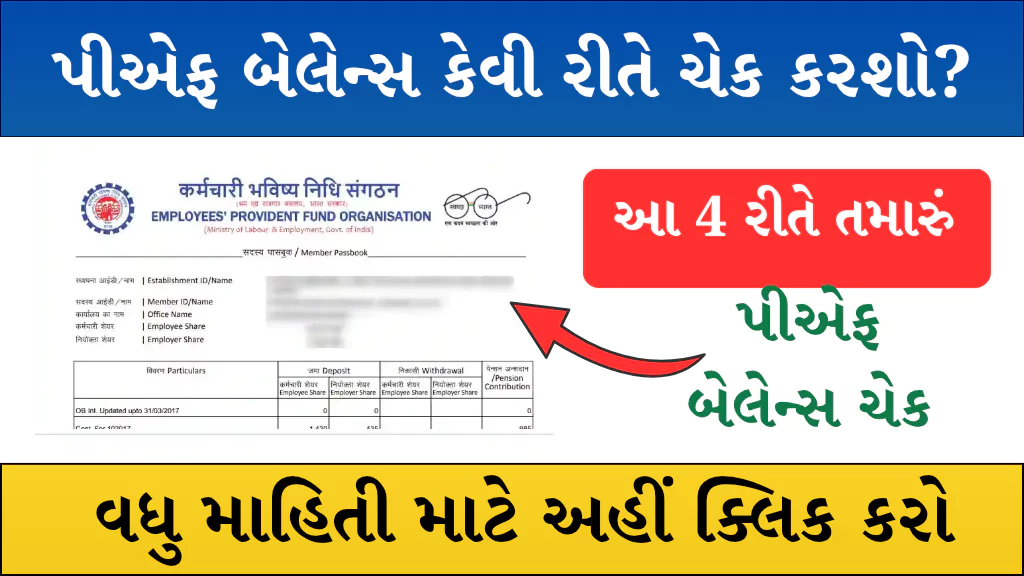
If you are a salaried employee in India, a part of your monthly salary goes into your Employees’ Provident Fund (EPF). This amount, along with your employer’s contribution, is deposited into your PF account. Knowing your PF balance is important to track your savings for retirement or emergencies.
The Employees’ Provident Fund Organisation (EPFO) offers multiple ways to check your PF balance, both with and without internet. In this guide, we will explain the 4 easiest methods to check your PF balance quickly.
4 Easy Ways to Check PF Balance
You can check your PF balance through these methods:
- PF Balance Check via Missed Call
- PF Balance Check via SMS
- PF Balance Check through Umang App
- PF Balance Check using UAN Number (EPFO Portal)
1. PF Balance Check via Missed Call
You can check your PF balance with just a missed call from your registered mobile number.
Steps:
- Give a missed call from your registered mobile number to 011-22901406.
- The call will automatically disconnect after 2 rings.
- Shortly, you will receive an SMS on your registered mobile number with your PF balance details.
Note: Ensure that your mobile number is linked with your UAN on the EPFO portal.
2. PF Balance Check via SMS
You can also check your PF balance by sending a simple SMS.
Steps:
- Open the SMS option on your mobile.
- Type: EPFOHO UAN
- Send it to 7738299899 from your registered mobile number.
- Within a few seconds, you will receive an SMS with your PF balance and account details.
Note: The SMS facility is available in multiple regional languages.
3. PF Balance Check through Umang App
The Government of India’s Umang App makes it easy to check PF balance online.
Steps:
- Download the Umang App from the Play Store/App Store.
- Open the app and search for EPFO services.
- Click on Employee Centric Services.
- Select View Passbook.
- Enter your UAN number and password.
- Enter the OTP received on your registered mobile number.
- You will now be able to see your PF balance and passbook details.
4. PF Balance Check using UAN Number (EPFO Portal)
If you prefer checking PF balance online via the official EPFO website, follow these steps:
Steps:
- Visit the official website: EPFO Passbook Login
- Enter your UAN number, password, and captcha code.
- Click on Login.
- Select your Member ID.
- You can now view your PF balance and complete passbook details.
Important Links
| Official website | Click here |
| Download Umang App | Click here |
| Home page | Click here |
PF Balance Check – FAQs
Q1. What is the official website to check PF balance?
You can check PF balance at https://passbook.epfindia.gov.in/MemberPassBook/Login.
Q2. Which app is used to check PF balance?
The official app is Umang App, available on Play Store and App Store.
Q3. What is the number for PF balance check?
- Missed Call Number: 011-22901406
- SMS Number: 7738299899 (Send “EPFOHO UAN” to this number)
Q4. Can I check PF balance without internet?
Yes, you can check your balance via missed call or SMS without internet access.
Conclusion
Checking your PF balance is simple and can be done in minutes. Whether you prefer offline methods like missed call and SMS or online methods like the Umang App and EPFO portal, you can easily access your PF account details anytime.
Keeping track of your PF savings helps you plan better for your future and retirement.